Enshrouded dedicated server: settings, ports and passwords
Free on your own PC, or rented to stay online without it: what each option takes, the settings, the port, group passwords and why a server shows as full.
4 min read
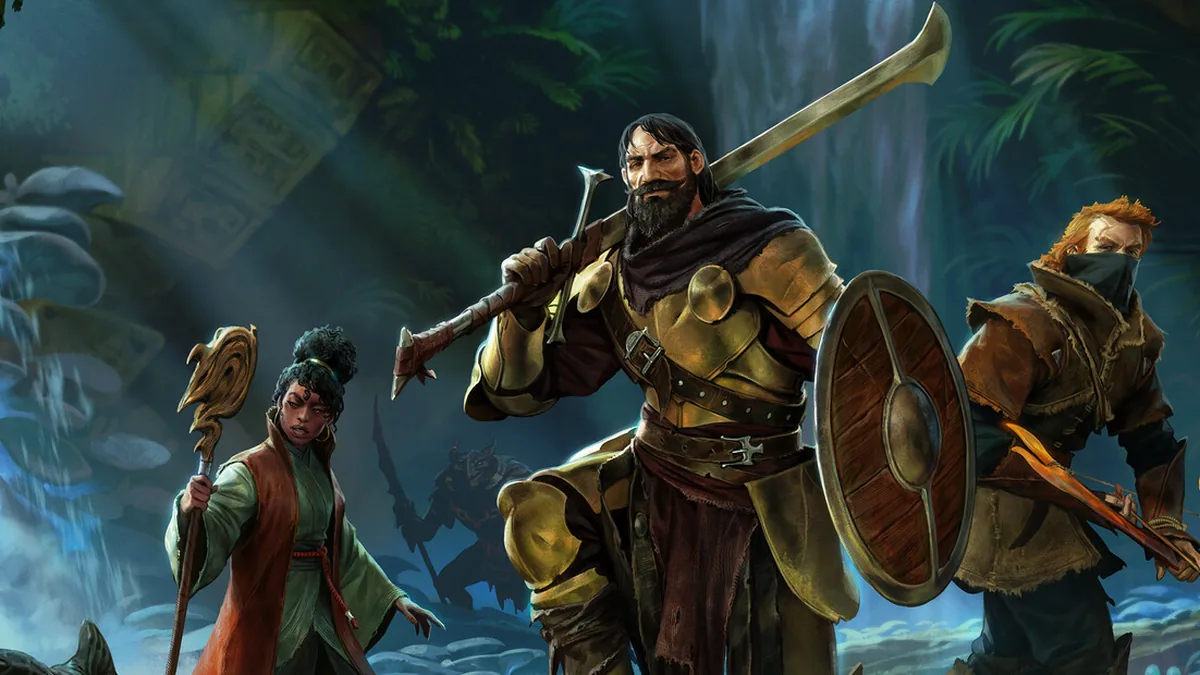

To play Enshrouded with friends on a world that stays online, you need a dedicated server. You can run it at home for free, or rent one. Here's what each option takes, then the settings that matter.
At home: free, as long as your PC stays on
The dedicated server comes with the game. If you own Enshrouded on Steam, it shows up in the Tools section of your library: tick "Tools" to display it, download it, then start enshrouded_server.exe from its installed files. It runs on Windows.
What it takes: a PC that stays on while your group plays, and the server port open on your router. It's the right choice if someone in your group has a machine that runs all the time.
Rented: your world online without your PC
With us, your server runs with reserved RAM, never oversold. Two plans: Coop, for playing with friends, and Community, up to 16 recommended players. Your server updates itself on every start. It's backed up every day, and you restore it yourself from your panel. Already have a world? We help you move it over, included. See the Enshrouded plans.
Settings: enshrouded_server.json
On first start, the server creates enshrouded_server.json next to the executable. The useful fields:
- name: the name shown in the server list;
- slotCount: the number of slots, from 1 to 16;
- queryPort: the server port, 15637 by default;
- gameSettingsPreset: difficulty. Default, Relaxed (fewer enemies, more resources), Hard, Survival, or Custom to tune everything yourself;
- enableVoiceChat, voiceChatMode (Proximity or Global) and enableTextChat: voice and text chat.
Edit the file while the server is stopped, then restart.
On your Easy Game Server server, the name, slot count and passwords are set in your panel's Startup tab. The port is the one in your server's address. These values are written back into the file on every start: change them in Startup, not in the file. Everything else, like difficulty or chat, is edited in the file from your panel's file manager.
One password per group
Enshrouded doesn't have one password, but one per group. The password a player joins with sets their rights:
- Admin: builds, opens chests, and can kick and ban;
- Friend: builds and opens chests with you;
- Guest: explores, fights and gathers, without touching your bases or chests;
- Visitor: like Guest, and can't change the world outside bases either.
Passwords can't all be the same, empty, or digits only. On your Easy Game Server server, all four are generated at delivery and kept in the Startup tab: give each player the one for the group that suits them.
Port and connecting
At home, open port 15637 on your router and firewall, plus the ports Steam uses. If you change queryPort, open that one instead.
To join, open the game list from the main menu and enable dedicated servers in the filter. If your server doesn't show up, add it to your Steam favorites: View, Game Servers, Favorites tab, then the IP address and port separated by ":". It then shows at the top of the in-game list. On your Easy Game Server server, the full address is in your panel. Your server is ready when your panel shows it running.
When the server shows as full
Two causes are documented. Either every slot in slotCount is taken. Or slots are reserved for a group other than yours: each group can reserve some with reservedSlots, and the server shows as full to other groups once only those are left.
On your Easy Game Server server, the slot count is set to your plan at delivery. You can change it in the Startup tab ("Max Players"), up to 16, the game's limit. If your group grows past your plan's recommended players, ask for the plan above from your account: we move your world over with you.
Seeing "server overloaded" instead? It isn't described in the official help, and we haven't seen it on our servers. Write to us with the time it happened: we'll look at your server's log with you.
After a game update
Restart your server: it downloads the update on start, before loading your world.
Sources: official Enshrouded help, dedicated server configuration, server roles, dedicated server FAQ and favorite a server by IP.