DayZ dedicated server on PC: settings, ports and Steam account
Free on your own PC, or rented to stay online without it: the Steam account, serverDZ.cfg settings, access lists, ports, persistence and what to check when nobody can join.
7 min read
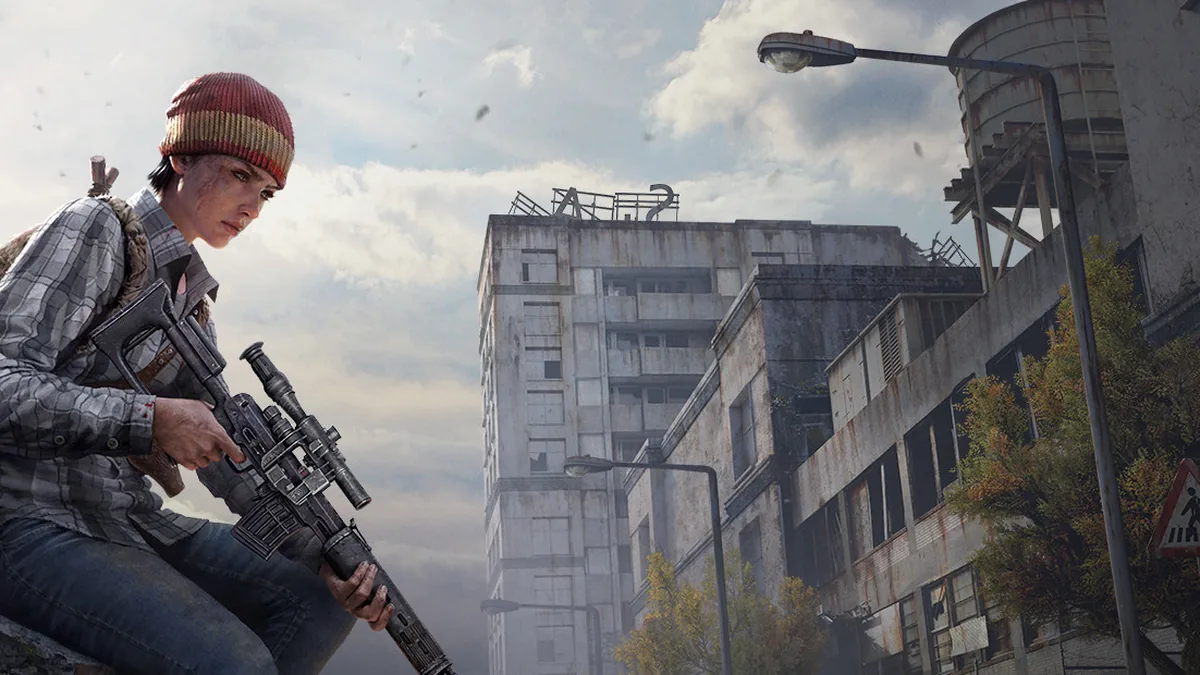

To play DayZ with friends on your own persistent world, you need a dedicated server. You can run it at home for free, or rent one. Here's what each option takes, then the Steam account, settings, access lists, ports, persistence and what to check when nobody can join. This guide covers DayZ on PC.
At home: free, as long as your PC stays on
Bohemia Interactive distributes the DayZ dedicated server through Steam. On Linux, its guide downloads it with SteamCMD, logged in to your Steam account: steamcmd.sh +force_install_dir ~/servers/dayz-server/ +login your_login +app_update 223350 +quit. The same command then updates it. On Debian, install the lib32gcc-s1 package first. Don't run the server as root: Bohemia advises against it.
On Windows, the server starts with DayZServer_x64.exe, from a .bat file or a shortcut that carries its parameters. On Linux it's ./DayZServer, and Ctrl+C stops it. The -config=serverDZ.cfg parameter points to the settings file: without it, the server won't start. -port sets the port, 2302 by default, and -profiles sets the folder where logs are written.
What it takes, according to Bohemia: Windows 10 or later, or Linux, a dual-core processor, 6 GB of RAM and 2.5 GB of disk space, ideally on an SSD. You also need a PC that stays on while your group plays. It's the right choice if someone in your group has a machine that runs all the time.
Rented: your world online without your PC
With us, your plan's RAM is reserved for your server, never oversold. There are two plans. Standard, up to 25 recommended players, for vanilla survival on an official map. Modded, up to 50 recommended players, for a modded map and your Workshop mods. Bigger still: a dedicated machine, on quote. Your server is backed up every day, and you restore a backup yourself from your panel: when it's done, click Start. Already have a world? We help you move it over, included. Group getting bigger? Ask for the plan above from your account: we move your world over with you. See the DayZ plans.
Your Steam account
As in Bohemia's guide, the server downloads with a Steam account. With us, it's yours, and it must own DayZ: that's what lets your server fetch the mission files and your Workshop mods. Check it before you order.
After ordering, open your panel's Startup tab. Enter your Steam login in "Steam Username" (the account name, not your email) and your password in "Steam Password", then click Start. If the console asks for a Steam Guard code, type it into the console and confirm: the download carries on, then your server starts. The first download takes a few minutes.
These credentials are visible to us, to run your server, and to anyone you give access to Startup, the files or the console. Only give that access to people you trust, and change your Steam password when your service ends.
Settings
The server's settings live in serverDZ.cfg. The main ones:
- hostname: the name shown in the server list;
- password: the password to join. passwordAdmin: the password that makes you the server admin;
- maxPlayers: the maximum number of players;
- disable3rdPerson and disableCrosshair: turn off third-person view and the crosshair;
- disableVoN: turns off voice chat, and vonCodecQuality sets its quality;
- disablePersonalLight: removes the players' personal light. lightingConfig set to 1 makes nights darker;
- serverTimeAcceleration: speeds up in-game time. At 24, a whole day passes in one hour. serverNightTimeAcceleration multiplies it for the night: set to 4 with an acceleration of 2, night moves 8 times faster;
- serverTimePersistent: at 1, the server time is saved and picked up on the next start;
- verifySignatures: checks .pbo files against their signatures. Bohemia only supports the value 2;
- forceSameBuild: at 1, only players on the same version as the server can join;
- template, in the
class Missionsblock: the mission loaded on start, in the form mission.map, for exampledayzOffline.chernarusplus.
On your Easy Game Server server, most of these are set in your panel's Startup tab: "Server Name", "Server Password", "Admin Password", "Max Players", "Disable Third Person", "Disable Crosshair", "Disable VoN", "VoN Quality", "Disable Personal Light", "Darker Nights", "Time Multiplier", "Night Multiplier", "Persistent Time", "Verify Signatures" and "Enforce Game Version". On every start, your panel rewrites the matching lines of serverDZ.cfg with these values. So change them in Startup, not in the file, then restart your server.
Your server is delivered with no join password: fill in "Server Password" to keep it to your group. Fill in "Admin Password" too, which is delivered empty. "Max Players" is delivered at your plan's recommended number of players. "Time Multiplier" is delivered at 12: an in-game day lasts two hours.
The other serverDZ.cfg settings, such as enableWhitelist, are changed in the file, from your panel's file manager. Edit it, then restart your server.
Access: allow list, bans and priority queue
Three files in the server's root folder control access:
whitelist.txtis the allow list. It only applies whenenableWhitelist = 1inserverDZ.cfg: change that line, then restart your server;ban.txtholds banned players, anddisableBanlist = trueturns it off;priority.txtputs some players at the front of the login queue. Create it and list their SteamIDs, separated by semicolons.
In whitelist.txt and ban.txt, each player is listed by their 44-character ID. You'll find it in the server's admin log, the DayZServer_*.ADM files in the log folder set by -profiles. Additions and removals take effect right away, while the server is running.
On your Easy Game Server server, whitelist.txt and ban.txt are already in the root folder, and the logs are in the profiles folder. Open them from your panel's file manager, and create priority.txt in the root folder if you need it.
Ports and connecting
At home, the server listens on the port set with -port, 2302 by default. For friends to join over the internet, open that port on your router. If your server doesn't show in the in-game server list, set its Steam query port with steamQueryPort in serverDZ.cfg: that's the fix Bohemia gives.
On your Easy Game Server server, the ports are already set: the game port is the one in your server's address, and the Steam query port is the next one, set by your panel. The full address is in your panel. To join, launch DayZ, open Find Server, go to the Community tab, search for that address and click Connect.
Mods, on the Modded plan
On the Modded plan, your Workshop mods are set in "Additional Mods", as @WorkshopID separated by semicolons. You can also export your mod list from the DayZ launcher, upload the HTML file to your server's root folder and enter its name in "Modlist File (Exported from DayZ Launcher)". Your server downloads the mods with your Steam account. Server-side-only mods go in "[Advanced] Server-Side Only Mods".
Your players need the same mods, in the same version: with "Verify Signatures" at 2, a player whose mods differ is kicked on connection. A mod copied from Windows won't load? Turn on "[Repair] Make Mod Files Lowercase" for one start. To prepare your mod list and protect your persistence, read our Workshop mods and persistence guide.
Persistence and backups
DayZ saves your persistent world in the mission's storage folder, for example mpmissions/dayzOffline.chernarusplus/storage_1. Bohemia ties these folders to the instanceId in serverDZ.cfg.
With storageAutoFix = 1, the server replaces a corrupted persistence file with an empty one. All the more reason to keep backups: your server is backed up every day, and you restore it yourself from your panel. See also our backup guide.
When nobody can join
- The server hasn't finished starting: the first start downloads the game, and the console may be waiting for your Steam Guard code.
- The console shows "player connect will stay disabled": the server is running, but the mission files are missing and it refuses every connection. Check that the Steam account in Startup owns DayZ, then write to us.
- The game was just updated: restart your server so it updates too. With "Enforce Game Version" on, only players on the same version get in.
- A player is kicked on connection: their mods aren't the same as the server's, or not the same version.
- One player is refused: check whether they're in
ban.txt, or, if the allow list is on, whether they're missing fromwhitelist.txt.
After a game update
Restart your server: as long as "Automatic Updates" is on, it checks for server and mod updates on start. It's on at delivery: leave it that way. At home, the SteamCMD command that installed the server also updates it.
Sources: official Bohemia Interactive wiki, server configuration, hosting a Linux server and server requirements.