Migrating a Minecraft server without losing your world
A clean migration starts with a verified backup, version control and a first startup outside production.
1 min read
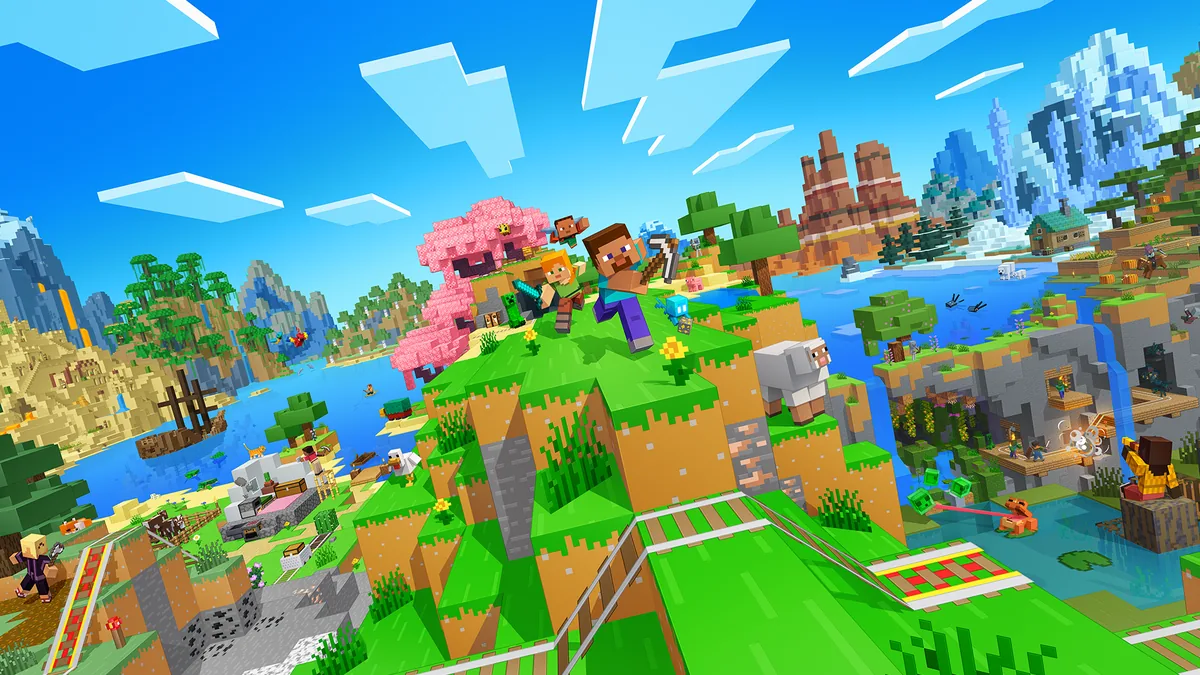

Migrating a Minecraft server is not just copying a folder. You need to identify the version, the mod loader, the plugins, the main world and the configuration folders.
Prepare the files
Before any change, create a full backup and keep it away from the source server. Note the Minecraft version, the loader used, the expected Java version, the plugin list and critical folders such as the main world, dimensions and configs.
Test before opening up
The first startup on the new resource should check logs, permissions, missing plugins and world consistency. It is better to fix these points before announcing the address to the community.
What guided support changes
A guided migration reduces the risk of data loss and makes it possible to adjust the offer if the world turns out heavier than expected. It also helps prepare a clean subdomain and a backup routine before going back live.